

This page introduces the entire process of UKey hardware wallet initialization, backup, collection, sending and exchange, and is suitable for new users who are using cold wallets for the first time.
Learn to Use Hardware Wallets
Learn how to properly use UKey hardware wallets
Safely manage your digital assets


How Do You Get Started with UKey in 5 Minutes?
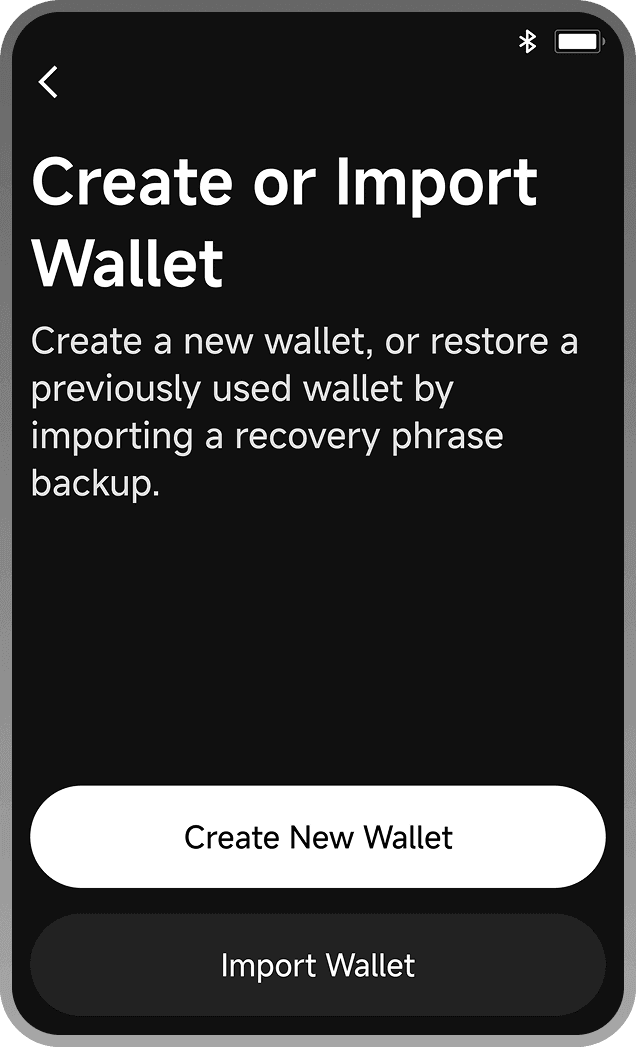
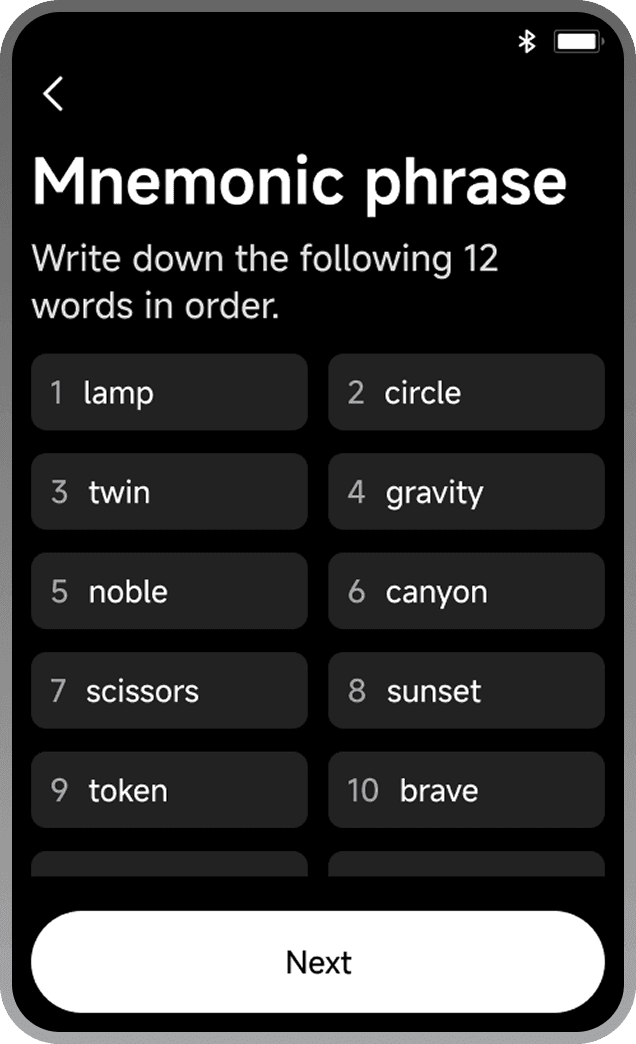
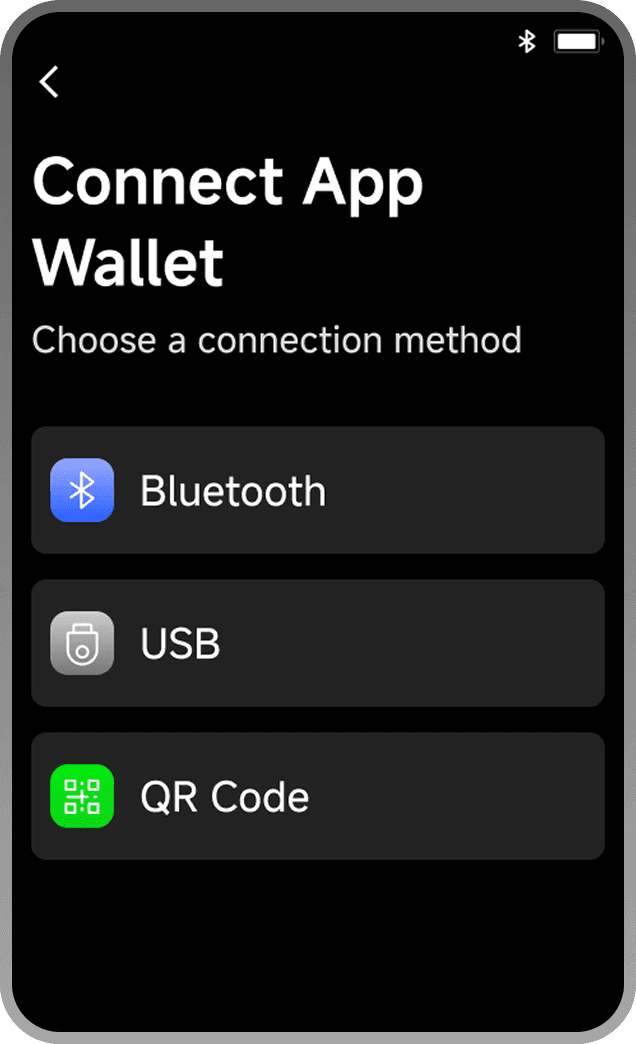
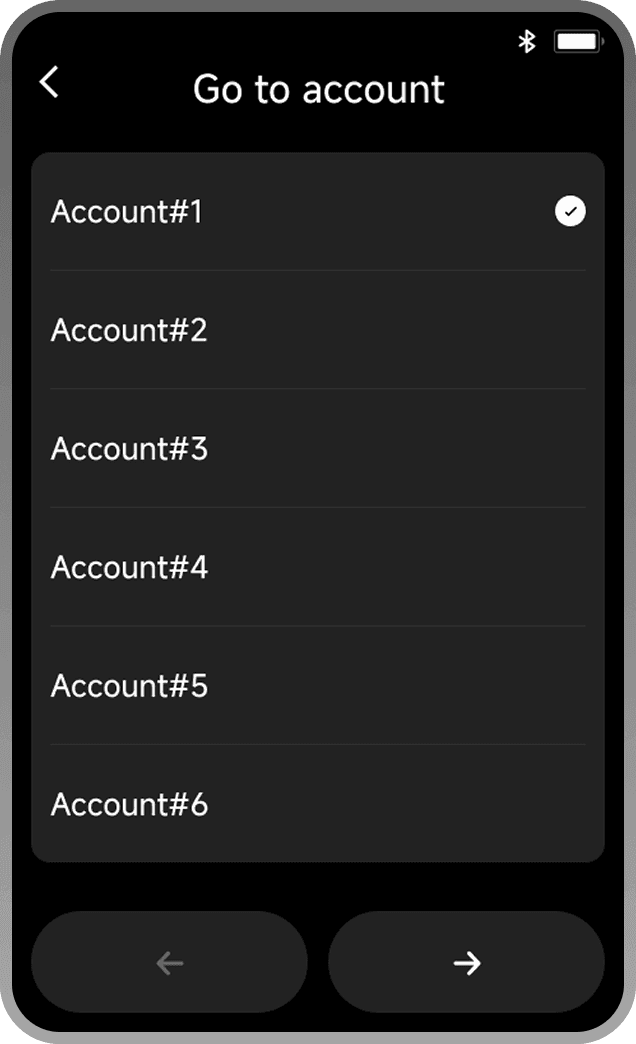
Setting up UKey takes six steps: initialize the device, write down the seed phrase, install UKey Wallet, create accounts, start sending and receiving, and create offline backups.
First boot, generate a new wallet.
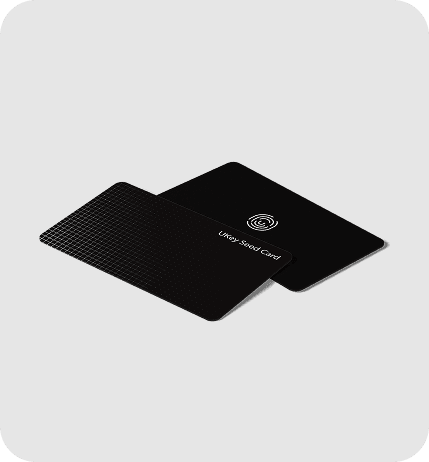
Record and securely store the seed phrase.
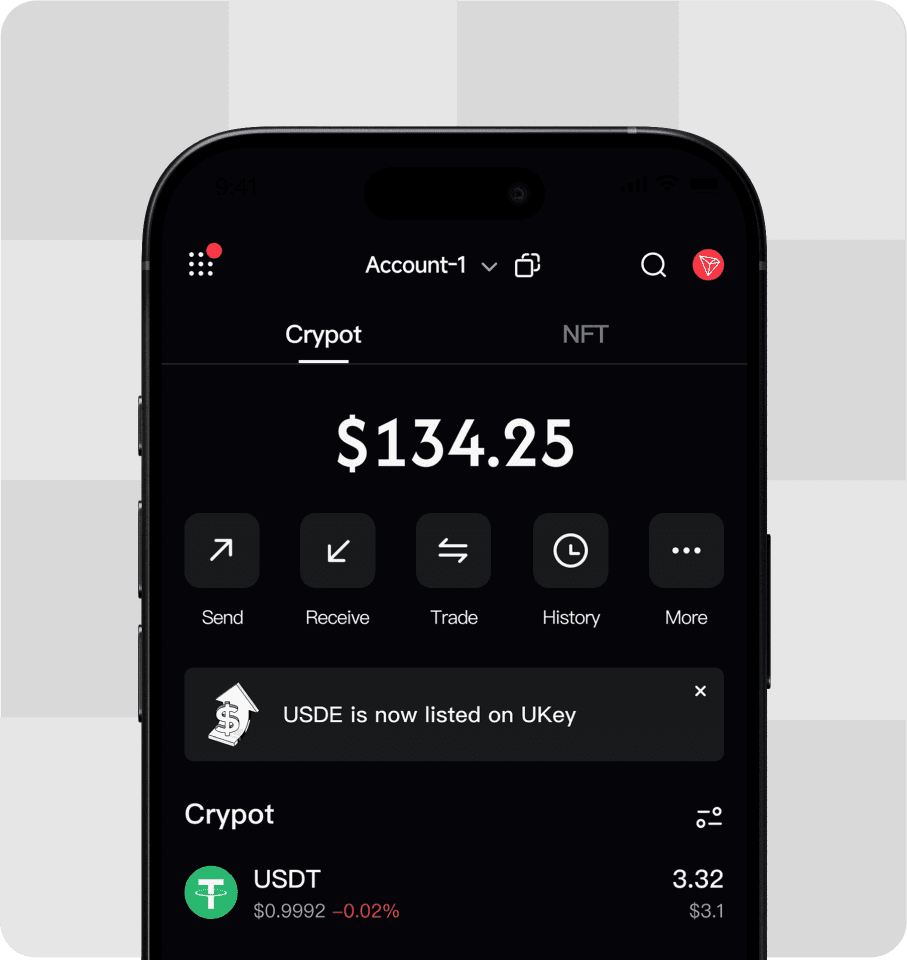
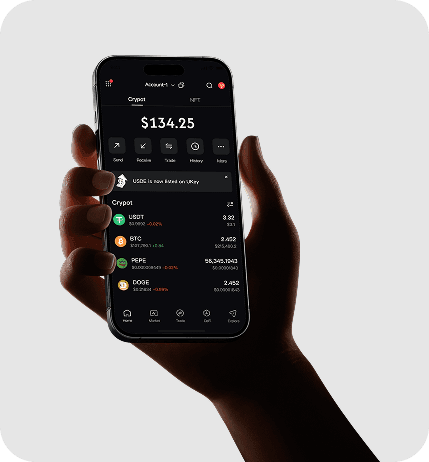
Connect to the App to manage assets.
Support multiple blockchain accounts.
Receive, send, and swap.




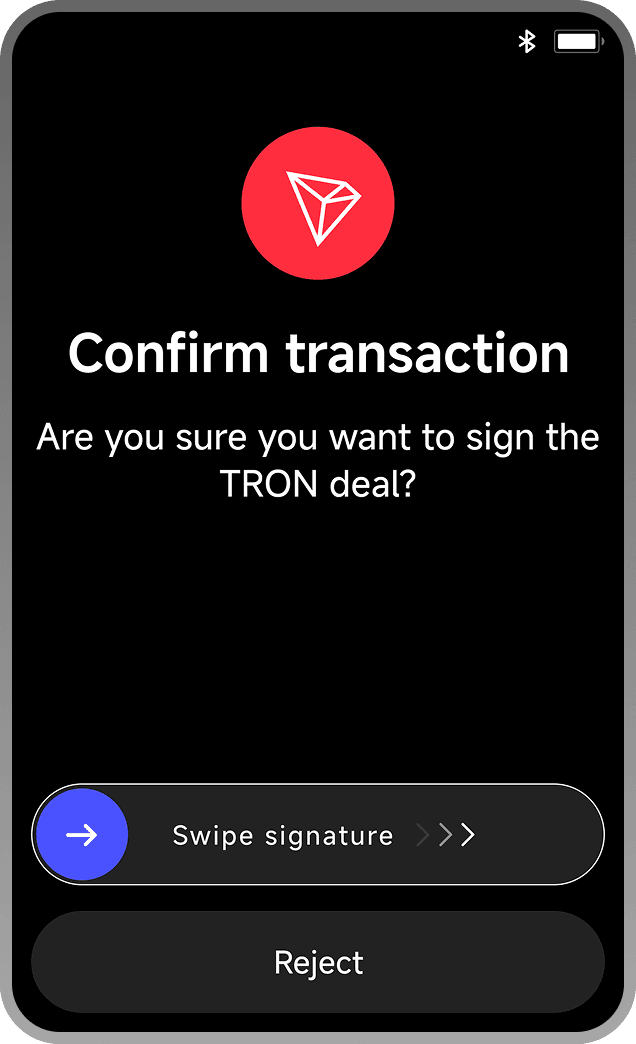
Basic Operation Guide
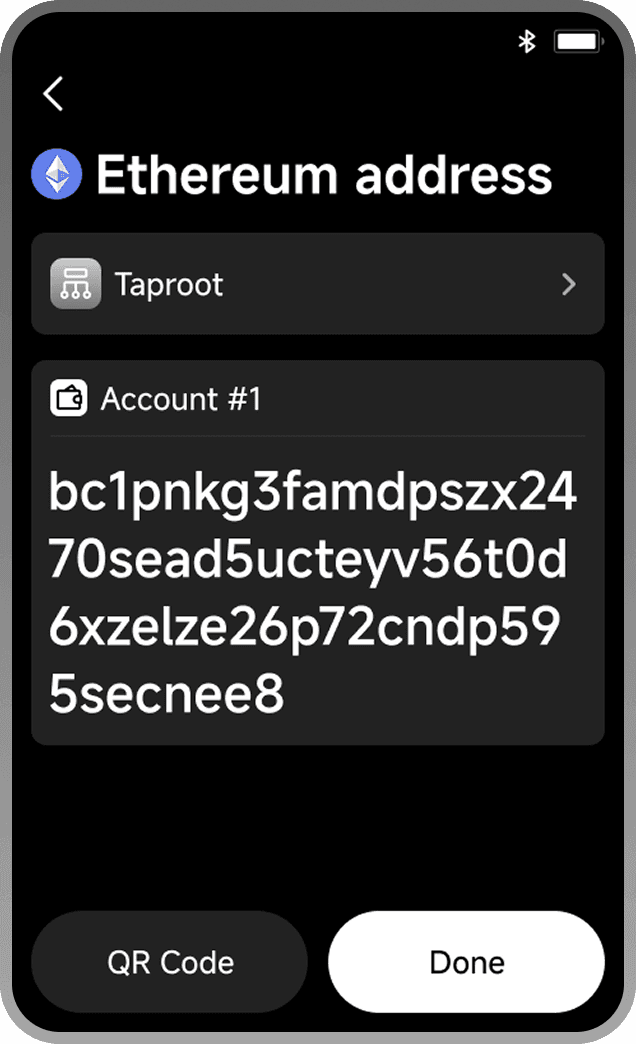
Generate an address and share it.
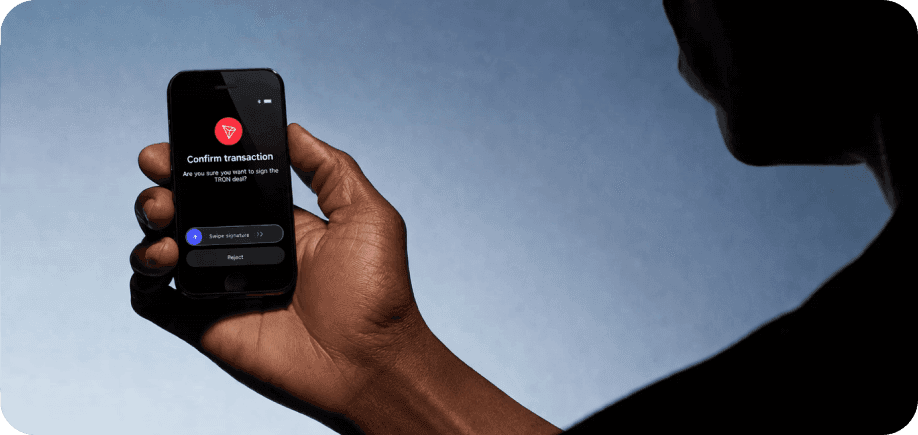
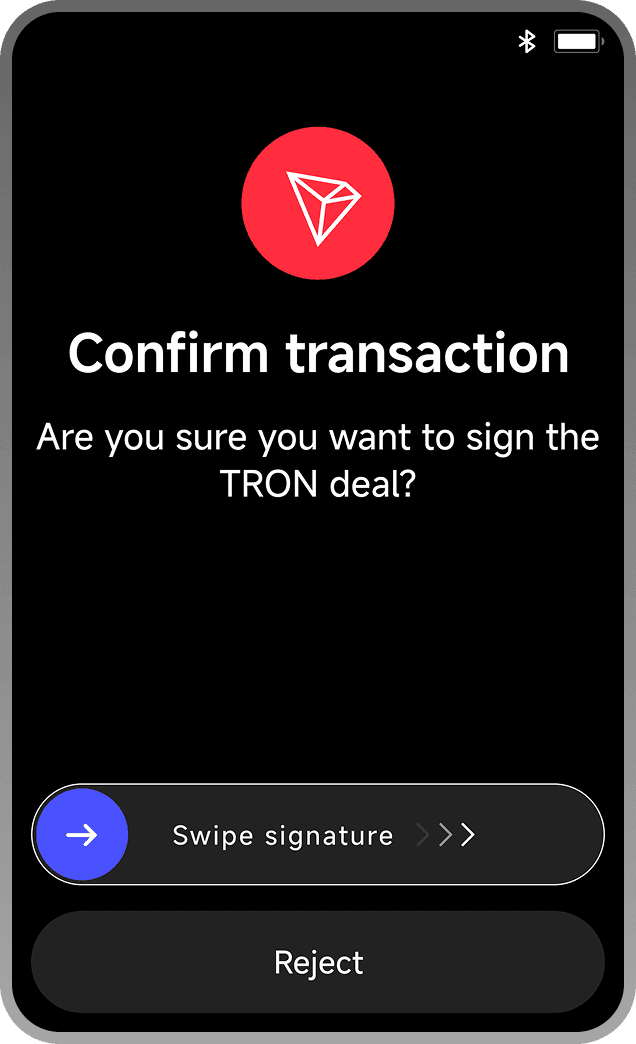
Initiate a transaction via App and confirm on device.
Device verifies transaction info and signs offline.
View balances and transaction history via App.
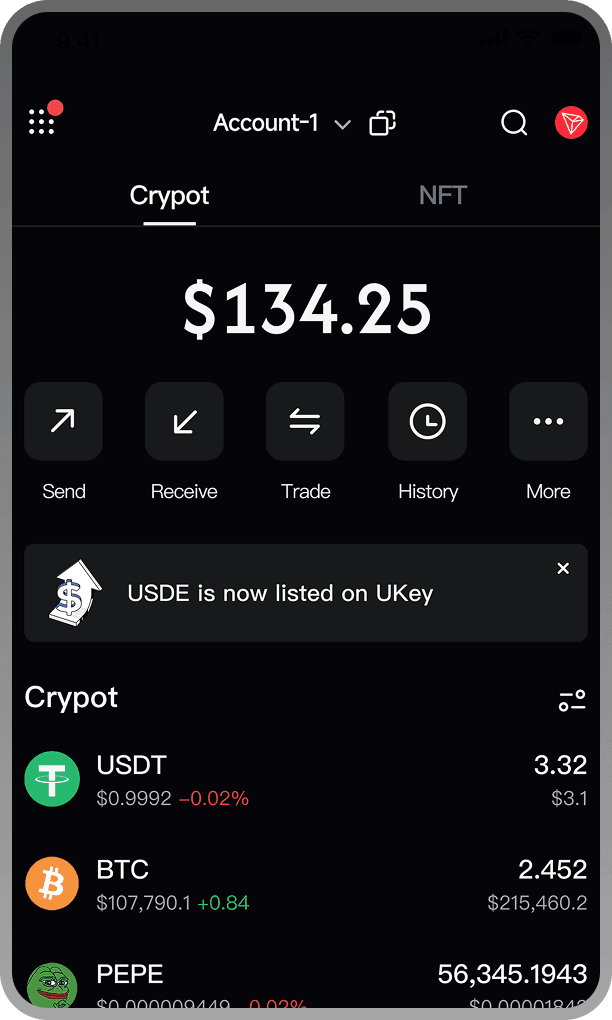
How Hardware Wallets Protect Assets
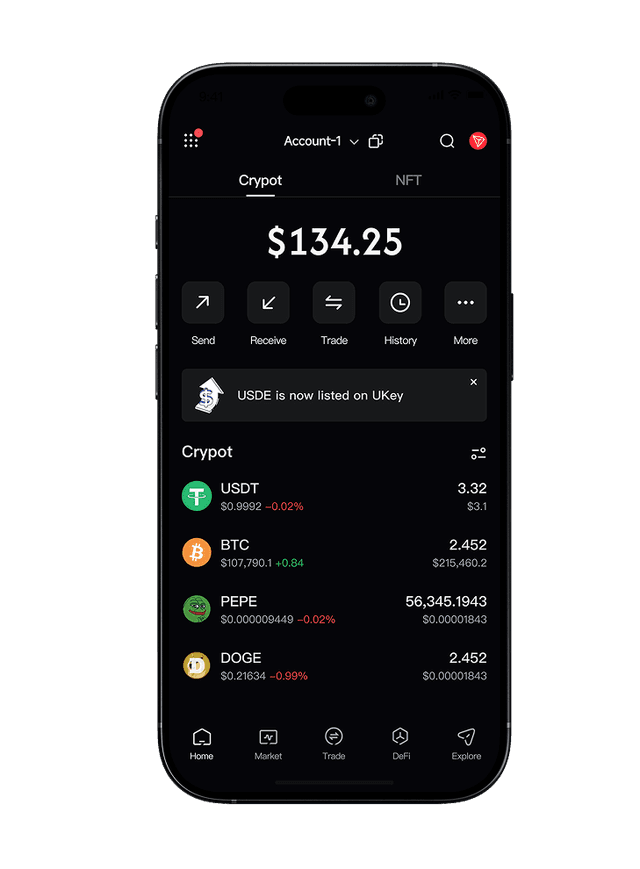 App
App




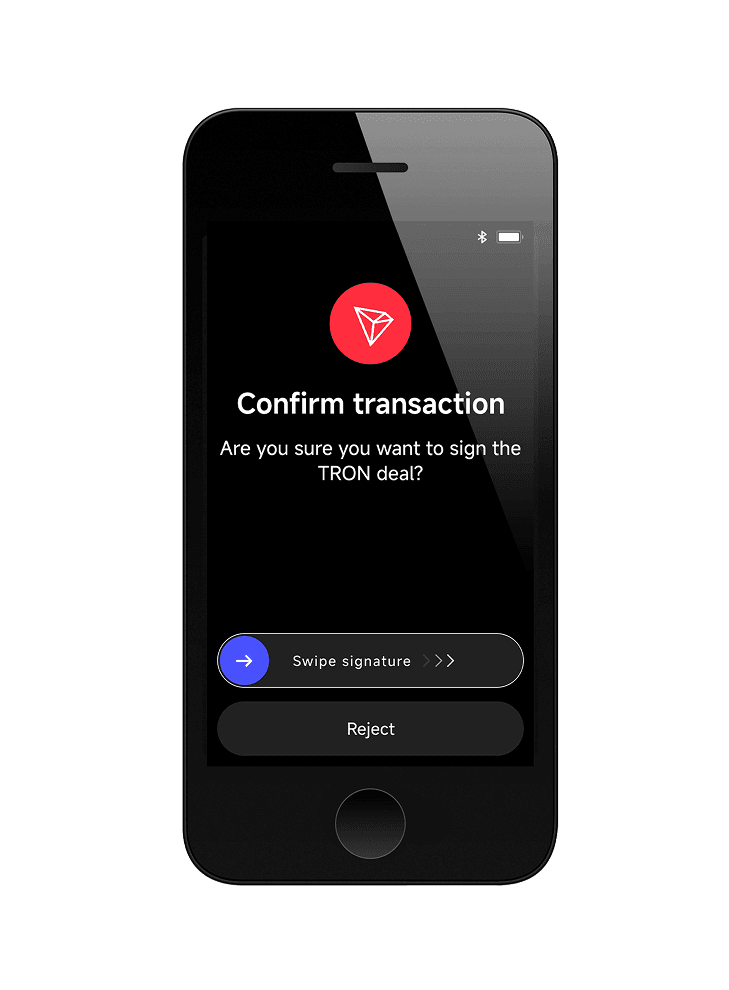 Hardware Wallet
How to Maximize Your UKey Hardware Wallet
Store large assets in the hardware wallet
Manage transactions via App
Signed by the device
Use different accounts for different assets

Use hot wallets for daily transactions
Cold storage for large assets