


UKey Education Center systematically explains hardware wallets, mnemonic backups and DApp security, helping you maintain the sovereignty of crypto assets with minimal learning costs.
Learn How to Safely Manage Digital Assets
Mastering correct security habits is the most important step to protect your assets
UKey provides easy-to-understand wallet security guides for users
What Is Digital Asset Wallet Security?
Digital assets live on the blockchain, not on devices — a wallet's job is to safeguard the private keys that authorize access, so private-key security equals asset security.
Digital assets are not stored on devices, but recorded on the blockchain.
The role of a wallet is to manage the private keys that access these assets.
Therefore, what truly needs protection is: Private Keys / Seed Phrases Whoever holds the private key, holds the assets.
What Are the Most Common Crypto Asset Security Risks?
Most asset losses come from four common risks: phishing websites, malware on phones or PCs, seed phrases stored in cloud or screenshots, and counterfeit hardware bought from unofficial channels.

Phishing Websites
Disguised as official wallets or trading platforms to trick users into entering seed phrases.
Malware
Computers or phones infected with trojans that steal private keys or transaction signatures.
Seed Phrase Leak
Saving seed phrases as screenshots, cloud storage, or photos.
Counterfeit Hardware
Purchasing tampered or repackaged devices.
What Are the Fundamental Principles of Digital Asset Security?
Five rules keep your crypto safe: never share your seed phrase, store it offline, use a hardware wallet for sizable holdings, ignore unknown links, and update only via official channels.

Never reveal your seed phrase
No one, including official support, will ever ask for your seed phrase.

Seed phrase must be stored offline
Do not store in: Phone, Cloud, Email, Screenshots

Use hardware wallets for large assets
Hardware wallets isolate private keys, reducing network attack risks.

Beware of suspicious links
Do not click unknown sources: Airdrops, Investments, Wallet upgrades

Regularly check devices and software
Ensure you use the official App and latest firmware version.
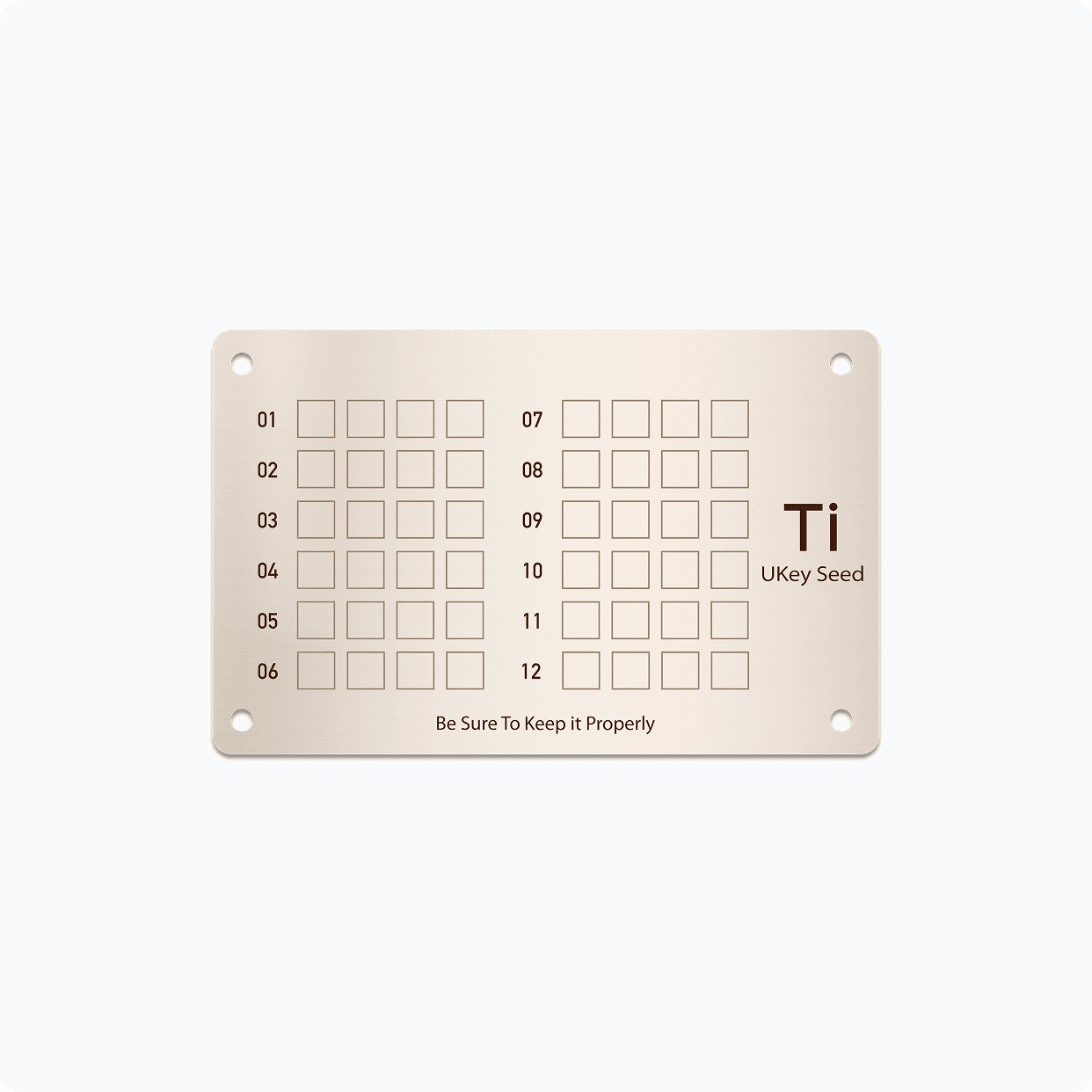
Seed Phrase Backup Guide

Why Are Hardware Wallets Safer
A hardware wallet stores private keys inside a dedicated security chip and signs entirely on-device — even if your phone or computer is compromised, attackers cannot extract or use those keys.

Hardware wallets isolate private keys in dedicated chips


Even if your computer or phone is compromised
Private keys remain secure

True physical randomness from security chips
Preventing private key collisions






Common Mistakes
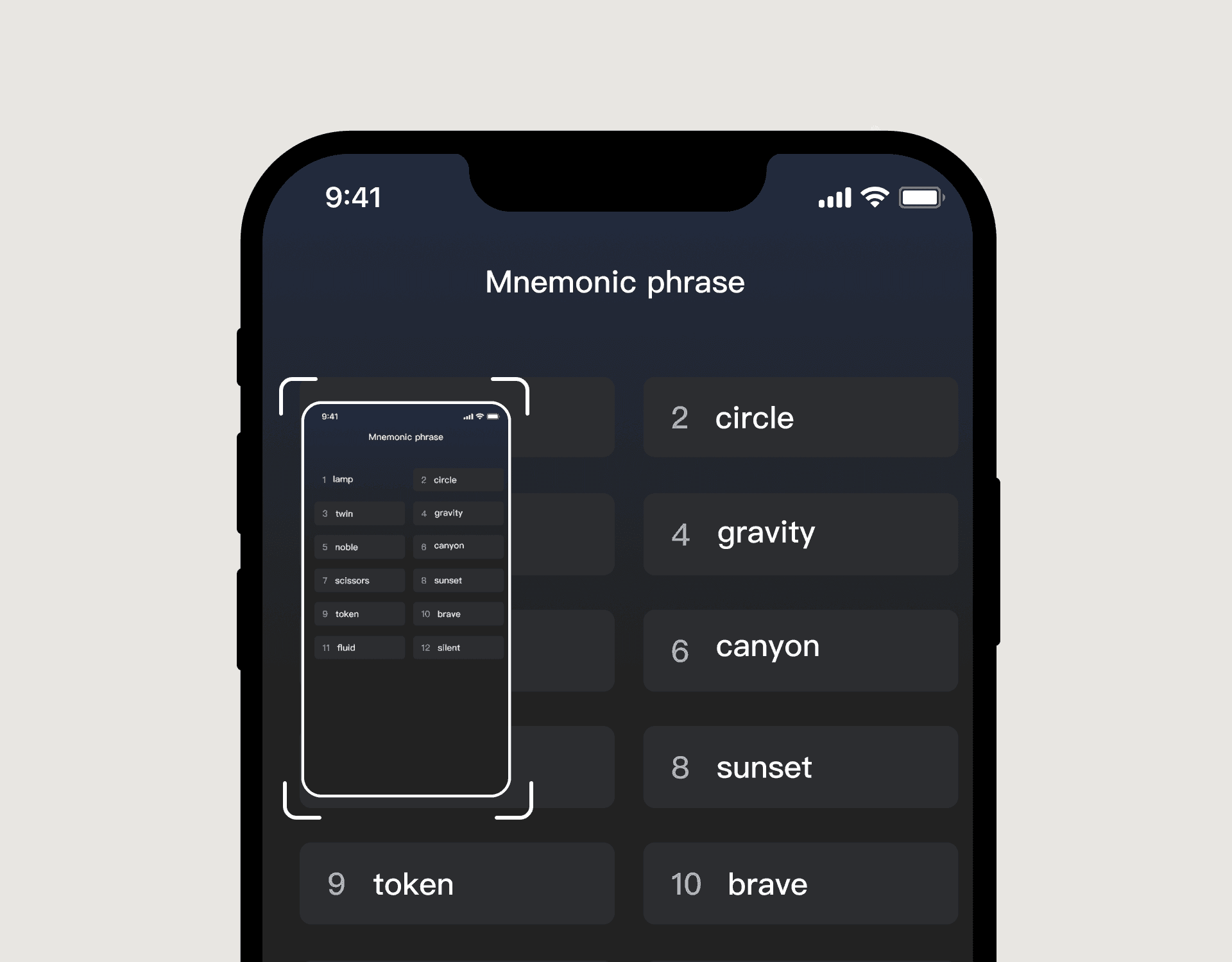
Mistake 1:Saving seed phrases as screenshots
Screenshots may be automatically synced to the cloud.
Mistake 2:Using wallet software from unknown sources
May contain malicious code.

Mistake 3:Making large transactions on public networks
Vulnerable to network attacks.
Security Self-Check List
 Is the seed phrase stored offline
 Are you using a hardware wallet
 Is the software downloaded from official channels
 Are devices regularly updated